Word Document: English → Spanish
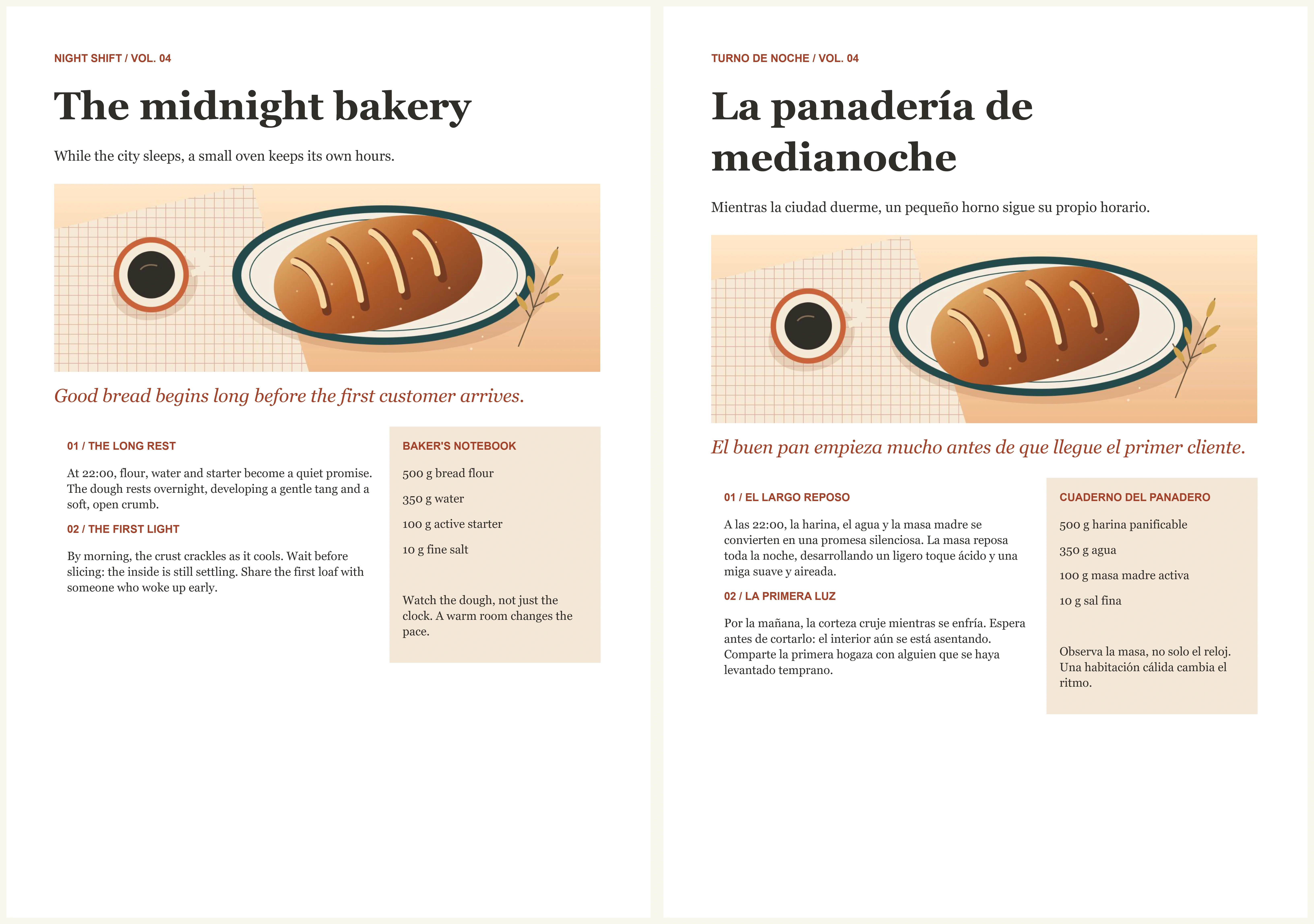
Translate documents online with our free document translator. Upload a Word, PDF, PowerPoint, Excel, TXT, or Markdown file and download it in your chosen language. Keep supported formatting, including headings, lists, and tables. Translate 1 document free each day, with no signup or software required.
Translation quality varies for this language. Please review the result.
Add credits or remove documents to cover this selection. Your account
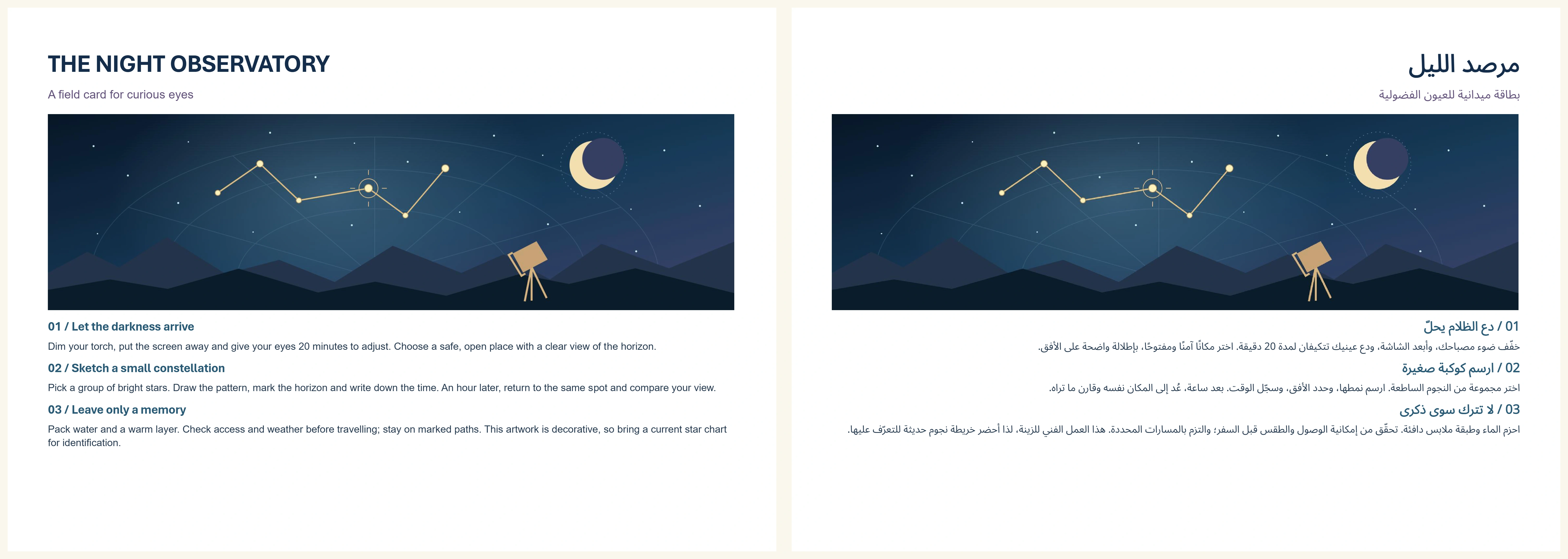
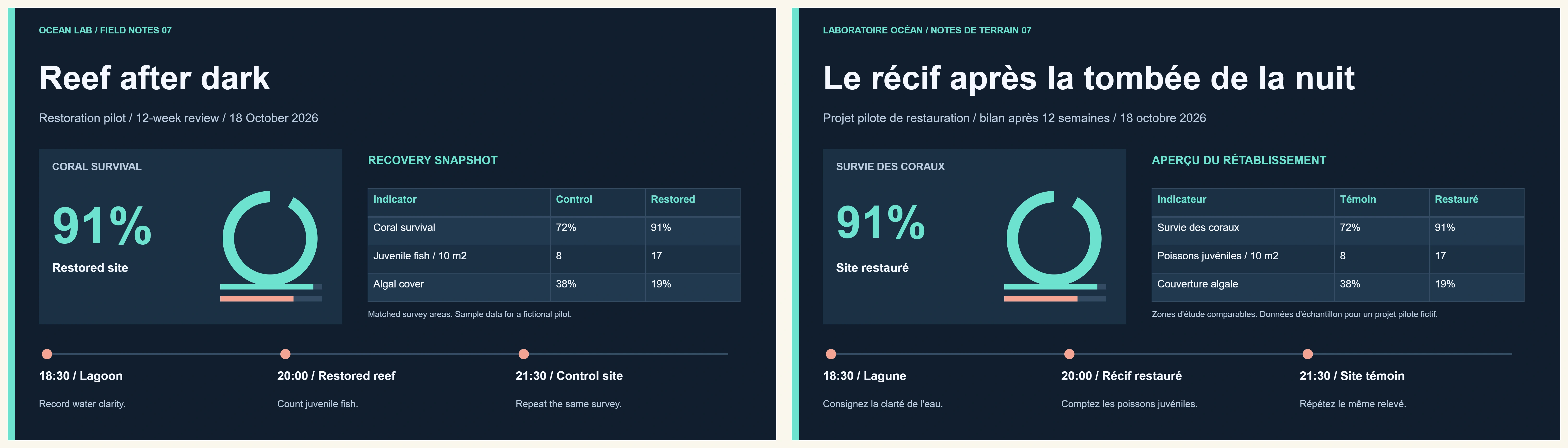
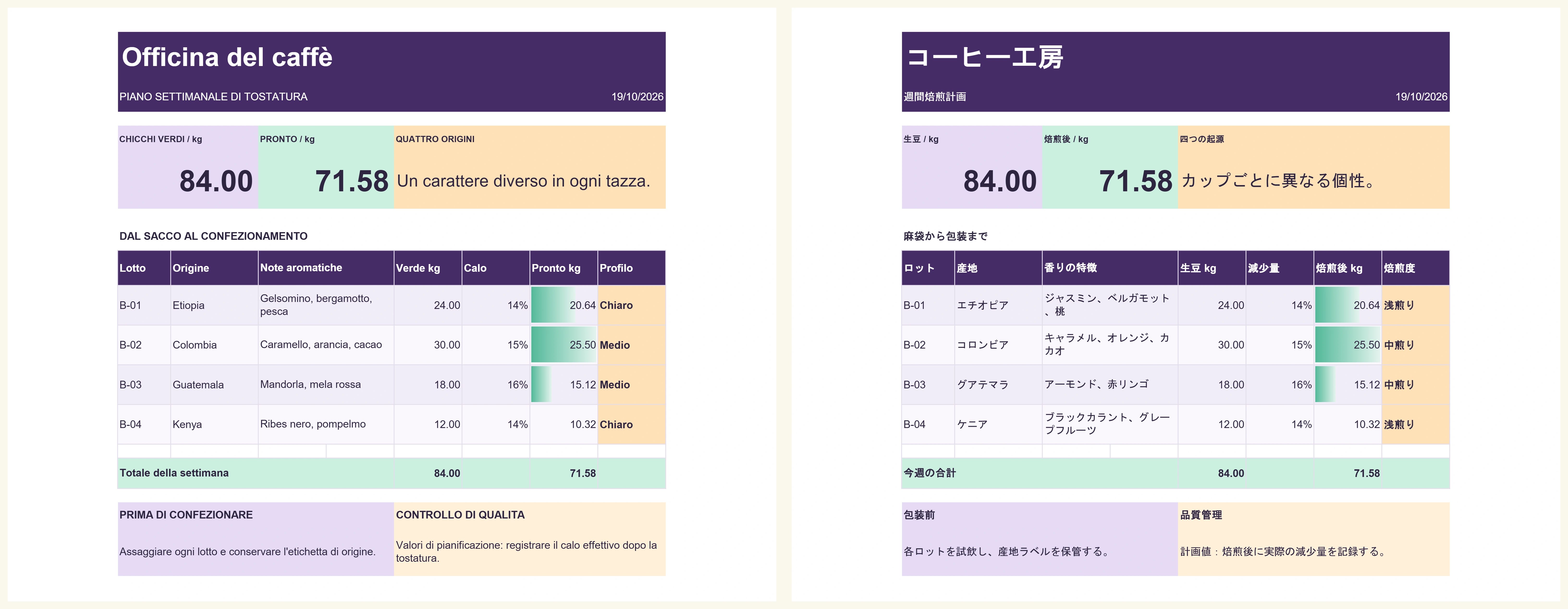
A simple document translation tool with no software to install or complicated settings.
Translate one document each day with the same file limits as paid use: up to 25 MB and 50,000 source words. No subscription or payment required.
Keep your document readable with supported styles, tables, links and images.
Translate Word, PDF, PowerPoint, Excel, TXT and Markdown, including clear scans in six languages.
Download the original format or a readable Word copy when the layout cannot fit. No watermarks or extra download charges.
Try your free document without registering. Sign in to add credits and translate more as you need them.
Recover your documents for 24 hours after translation.
Four clear steps from your original document to a translated download.
Choose a Word, PDF, PowerPoint, Excel, TXT, or Markdown file up to 25 MB.
Select your target language and review the source word count and exact price before starting.
Translate your document into your chosen language while keeping supported formatting.
Save your translated document within 24 hours. Review the wording and formatting before using it.
Prepare documents for everyday reading, study, business, and publishing.
Read letters, notes, and personal documents in a language that works for you.
Translate slide and spreadsheet text while keeping supported layouts and calculations intact.
Translate study materials and research notes, then review terminology in context.
Translate Markdown prose while keeping code, links, and document structure intact.
Clear answers about document formats, languages, pricing, and privacy.
Yes. Translate one document each day without signing up. Free and paid files have the same limits: 25 MB, 50,000 source words, 300 PDF pages, or 300 PowerPoint slides. The daily allowance resets at midnight UTC, subject to availability. Eligible new verified accounts also receive one permanent bonus credit, separate from the daily allowance.
No account is needed for your daily free document. Sign in to use prepaid credits, select paid batches of up to 100 files, create an API key, and access recent translations across devices. Each file is priced separately.
Upload DOCX, PDF, PPTX, XLSX, TXT or Markdown up to 25 MB, 50,000 words and 400,000 characters. PDFs and PowerPoint allow 300 pages or slides. Enter known PDF passwords locally. Macros, embedded programs and older Office formats are not supported.
Keep supported styles, tables, links and images. Longer translations can continue on extra pages or slides. Complex layouts may need a simplified PDF or Word download.
Your formulas, numbers and dates stay intact. Text used by formulas stays unchanged. Complex worksheets can include translated reference sheets while preserving the original.
Yes. Clear scans in English, Spanish, French, German, Portuguese and Italian can be translated into any language in the menu. Handwriting and other scan languages are not supported yet. We tell you if a page could not be translated.
No. Document-Translator.com does not add watermarks, logos, or “translated by” text to your downloaded documents. This applies to both free and paid translations.
The target-language menu includes 249 languages and regional variants, listed below. Search by name or open the dropdown to choose one. Your document’s source language is detected automatically.
You can also type a language name directly. Translation quality varies by language, especially for less widely used languages. Review names, numbers, and specialist terms before using a translated document.
One credit translates one document within the source-file limits: 25 MB, 50,000 words, 300 PDF pages, or 300 PowerPoint slides. A batch uses one credit per document. Choosing another target language starts a new translation. The daily free document uses no credits; downloading again or choosing a supported export adds no charge. Translated text can grow without using another credit.
Yes, once translation starts. Your original stays private and is available for recovery until 24 hours after completion. You can delete it sooner from the document tool.
We keep as much of the translation as possible and mark any sections that could not be translated. Major problems and failed translations do not use a credit. If the original layout cannot be exported, a readable Word or text download is available.
Download your results for 24 hours after completion. If a download is interrupted, return to your recent translations to recover it. You can also reselect the unchanged original without another translation charge.
Yes. DOCX, PDF, TXT, and Markdown translations offer all four formats. PowerPoint and Excel offer the original format, Word, and TXT. If the original layout cannot stay readable, we offer a simplified PDF or Word download. PDF text can reflow. Additional downloads never use another credit.
Choose a Word, PDF, PowerPoint, Excel, TXT, or Markdown file. Translate one document free each day. No account required.
Translate a Document Free